


SPRING STYLES - OPEN LEVEL BREAKING PROGRAM
Build your knowledge and breaking skill set! In this weekend program, understand patterns, flows, and weaving through holes while breaking. Explore texture, timing, and movement connection.
Open Level Breaking Program with Illz
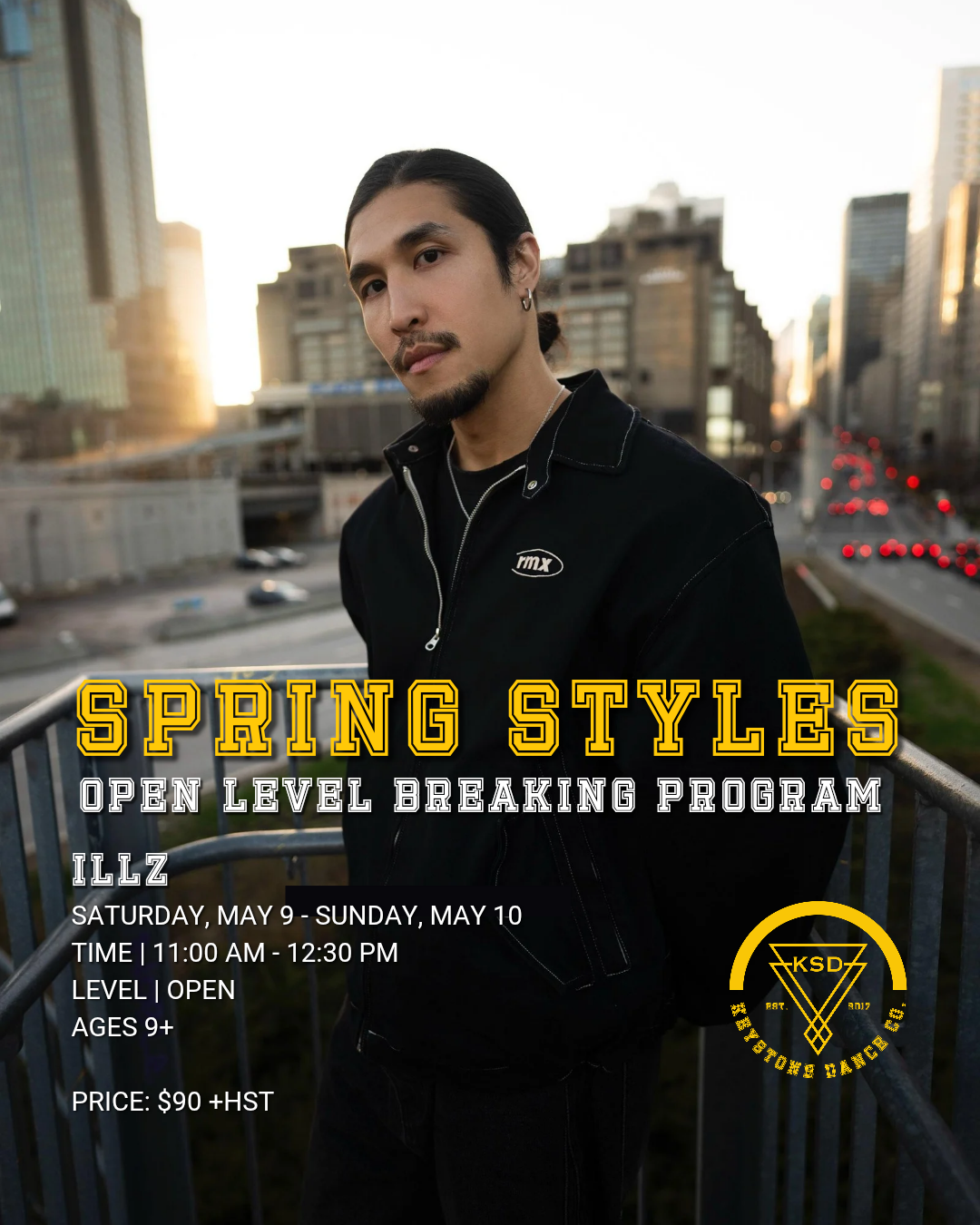
Program Dates: Saturday, May 9 - Sunday, May 10
Time: 11:00 AM - 12:30 PM
Level: Open level
Ages: 9+
Price: $90 + HST
REGISTRATION FOR DANCERS AGES 18+
NEW DANCERS
STEP 1: Create your Account on Dance Studio Pro
This process is intended for Dancers (18+) who are new to KSD and/or do not have an active Dance Studio Pro account.
First, create your own admin and dancer profile account. Please refer to our ADULT DANCERS - REGISTRATION GUIDE for a step-by-step process.
STEP 2: Select and enroll into the Spring Styles - Open Level Breaking Program:
Once both accounts have been created, select “Register” on the main menu and select “Classes”.
Select “Spring Styles (Sp26)” in the program tabs.
Under dancer profile, the program class will appear. Check the class checkmark box and scroll to the bottom of the page to select “SUBMIT”.
Review the waiver terms and select the box to agree to the terms. This will prompt a pop-up screen for you to type your name and input your signature.
FINAL STEP - select “Process Registration” at the bottom of the page and you’re all set!
RETURNING DANCERS
STEP 1: Create your Account
This process is intended for Dancers who have participated in our previous programs who should already have active accounts on our online platform, Dance Studio Pro.
Please log into your admin account. If you have forgotten your password, please use the “Forgot my password option”.
STEP 2: Select and enroll into the Spring Styles - Open Level Breaking Program
Once both accounts have been created, select “Register” on the main menu and select “Classes”.
Select “Spring Styles (Sp26)” in the program tabs.
Under dancer profile, the program class will appear. Check the class checkmark box and scroll to the bottom of the page to select “SUBMIT”.
Review the waiver terms and select the box to agree to the terms. This will prompt a pop-up screen for you to type your name and input your signature.
FINAL STEP - select “Process Registration” at the bottom of the page and you’re all set!