


KRUMP PROGRAM - 3 WEEK PROGRESSIVE
Are you looking to build your foundation, material and character in Krump? This 3 week progressive is exactly what you’ll need!
KRUMP PROGRAM - 3 Week Progressive with Fernando Jr. Valles a.k.a. GUSH
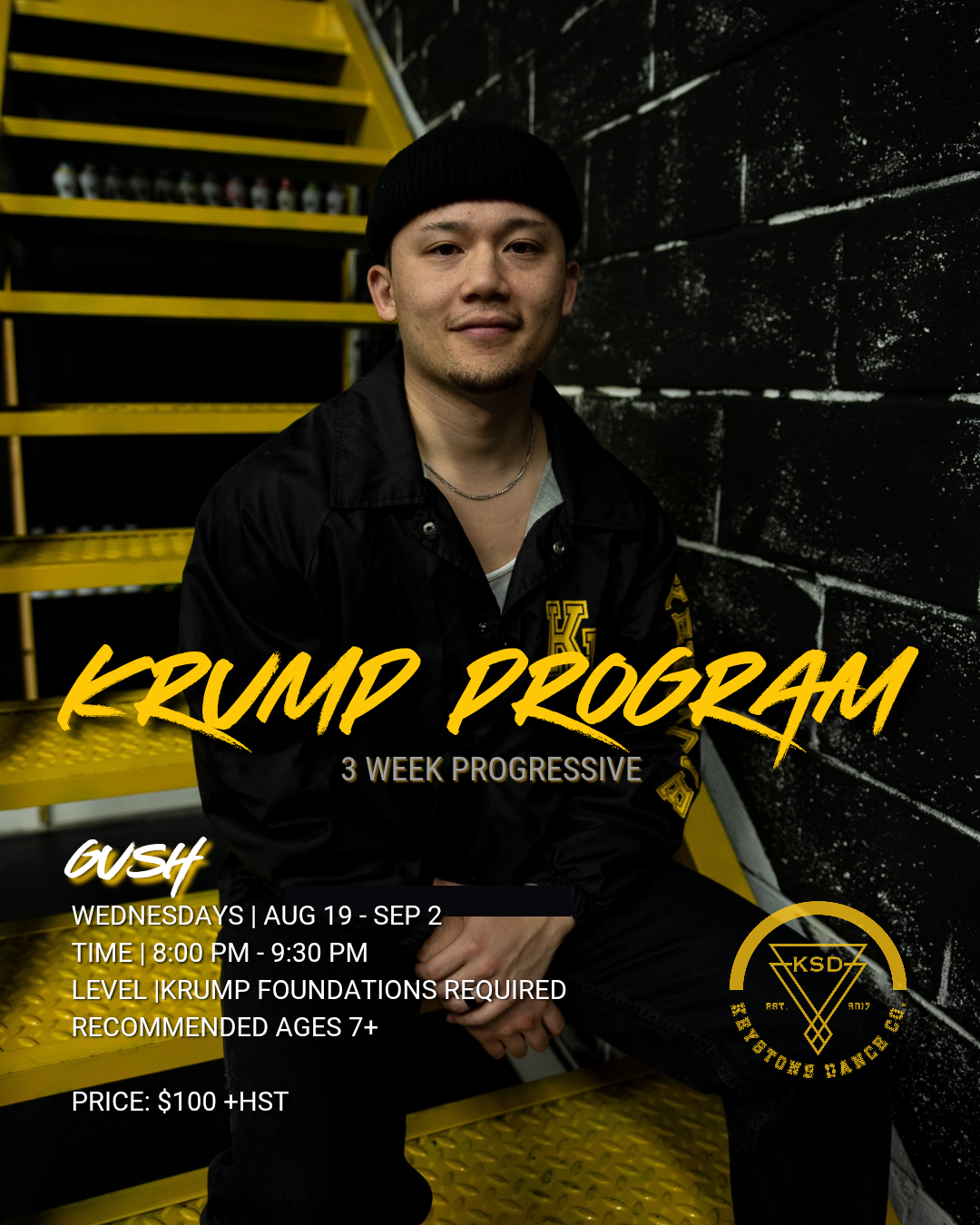
Program Dates: Wednesdays | Aug 19, Aug 26, Sep 2
Time: 8:00 PM - 9:30 PM
Level: Understanding of Krump basics required (not intended for beginner dancers)
Recommended Ages: 7+
Price: $100 + HST
REGISTRATION FOR DANCERS AGES 18+
Please follow the registration instructions based on the criteria mentioned below:
-
STEP 1: Create your account on Dance Studio Pro
This process is intended for Dancers/Parents/Guardians who are new to KSD and/or do not have an active Dance Studio Pro account.
The dancer’s Parent/Guardian must create an admin account using our online platform, Dance Studio Pro. Once your Parent/Guardian admin account is create, add your dancer’s/dancers’ profile. Please refer to our REGISTRATION GUIDE for a step-by-step process.
STEP 2: Register for your Assessment Class Date
Select “Register” on the main menu and then select “Classes” on the dropdown menu option.
Once the page is loaded, select the “KRUMP Progressive (SM26) ” option from the sub-menu.
Under each dancer profile, you will see the program class name if your dancer is eligible to participate in.
Select the class and scroll to the bottom of the page to select “SUBMIT”.
Review the each of the waiver terms and select ALL of the boxes to agree to the terms. This will prompt a pop-up screen for the Parent/Admin to type their name and input their signature.
FINAL STEP - select “Process Registration” at the bottom of the page and you’re all set!
You will be added to the class registration and your calendar on the portal will be update.
-
STEP 1: Log on to your Dance Studio Pro account
This process is intended for Dancers/Parents who have participated in our previous programs, who should already have active accounts on our online platform, Dance Studio Pro.
Please log into your admin account. If you have forgotten your password, please use the “Forgot my password option”.
STEP 2: Select and register for the KRUMP Progressive
Select “Register” on the main menu and then select “Classes” on the dropdown menu option.
Once the page is loaded, select the “Krump Progressive (S26)” option from the sub-menu.
Under each dancer profile, you will see the pop-up class dates your dancer is eligible to participate in.
Select the class for your eligible dancer(s) and scroll to the bottom of the page to select “SUBMIT”. Payments will be collected in-person, not through the portal.
Review each of the waiver terms and select ALL of the boxes to agree to the terms. This will prompt a pop-up screen for the Parent/Admin to type their name and input their signature.
FINAL STEP - select “Process Registration” at the bottom of the page and you’re all set!