


ADULT INTERMEDIATE - 10 WEEK PROGRAM + PERFORMANCE
Join us for a 10-week progressive training block designed to build stronger technique, sharper execution, and next-level performance quality.
Main goals of program:
Develop Foundational skill set
Improve Performance Quality
Enhance choreography execution
What dancer can expect:
Inter/ Adv Choreo choreography
Goals focused Feedback with Coaches
Established set for Performance at December Showcase*
*Performance portion is mandatory
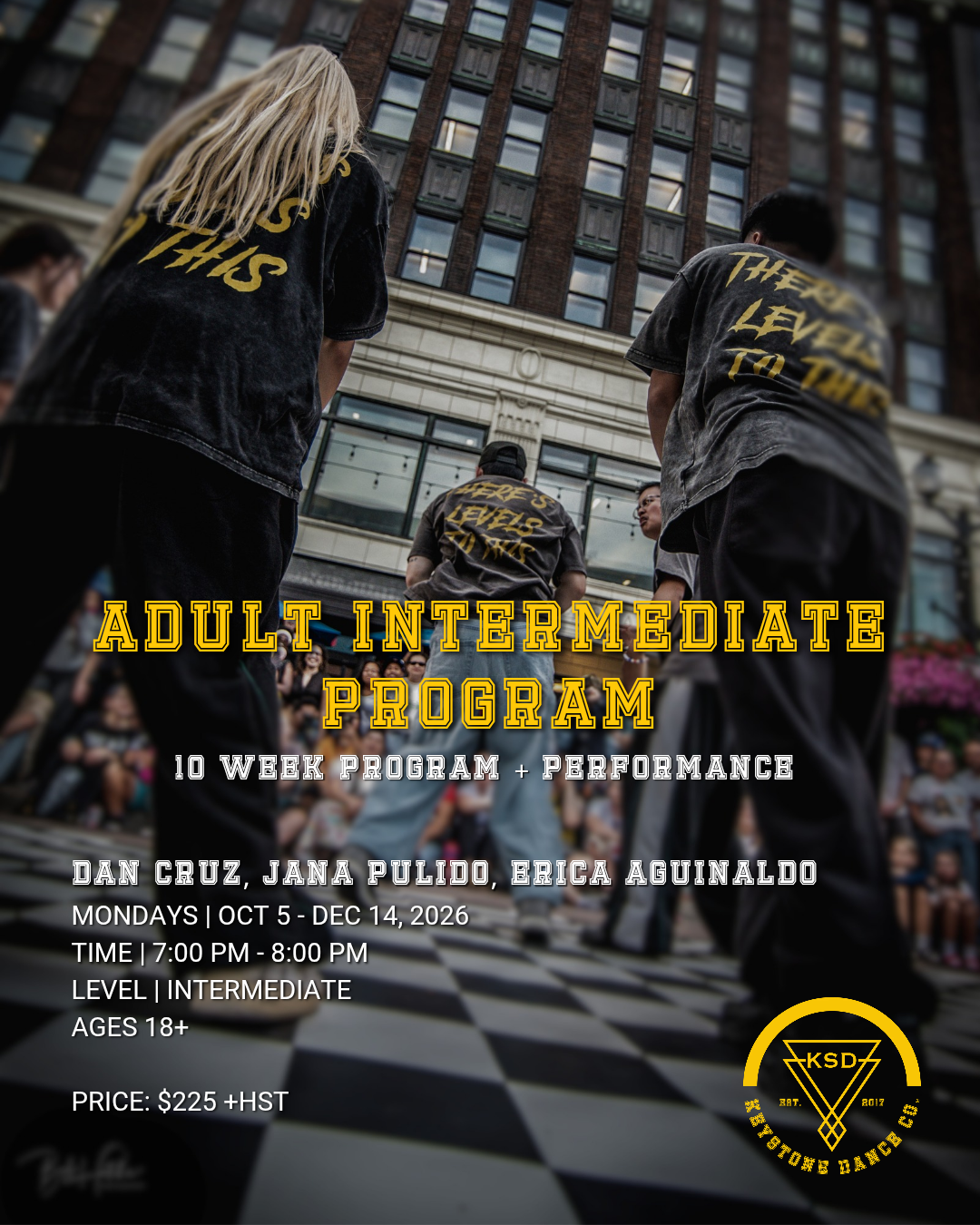
Program Dates: Mondays | Oct 5 - Dec 14**
Time: 7:00 PM - 8:00 PM
Level: Intermediate (not intended for beginner dancers)
Ages: 18+
Price: $225 + HST
**Due to Thanksgiving weekend, there will be no class on Oct 12
REGISTRATION FOR DANCERS AGES 18+
NEW DANCERS
STEP 1: Create your Account on Dance Studio Pro
This process is intended for Dancers (18+) who are new to KSD and/or do not have an active Dance Studio Pro account.
First, create your own admin and dancer profile account. Please refer to our ADULT DANCERS - REGISTRATION GUIDE for a step-by-step process.
STEP 2: Select and enroll into the Adult Intermediate Program (F26)
Once both accounts have been created, select “Register” on the main menu and select “Classes”.
Select “Seasonal Programs” in the program tabs.
Under dancer profile, the program class will appear. Check the class checkmark box and scroll to the bottom of the page to select “SUBMIT”.
Review the waiver terms and select the box to agree to the terms. This will prompt a pop-up screen for you to type your name and input your signature.
FINAL STEP - select “Process Registration” at the bottom of the page and you’re all set!
RETURNING DANCERS
STEP 1: Create your Account
This process is intended for Dancers who have participated in our previous programs who should already have active accounts on our online platform, Dance Studio Pro.
Please log into your admin account. If you have forgotten your password, please use the “Forgot my password option”.
STEP 2: Select and enroll into the Adult Intermediate Program (F26)
Once both accounts have been created, select “Register” on the main menu and select “Classes”.
Select “Seasonal Programs” in the program tabs.
Under dancer profile, the program class will appear. Check the class checkmark box and scroll to the bottom of the page to select “SUBMIT”.
Review the waiver terms and select the box to agree to the terms. This will prompt a pop-up screen for you to type your name and input your signature.
FINAL STEP - select “Process Registration” at the bottom of the page and you’re all set!